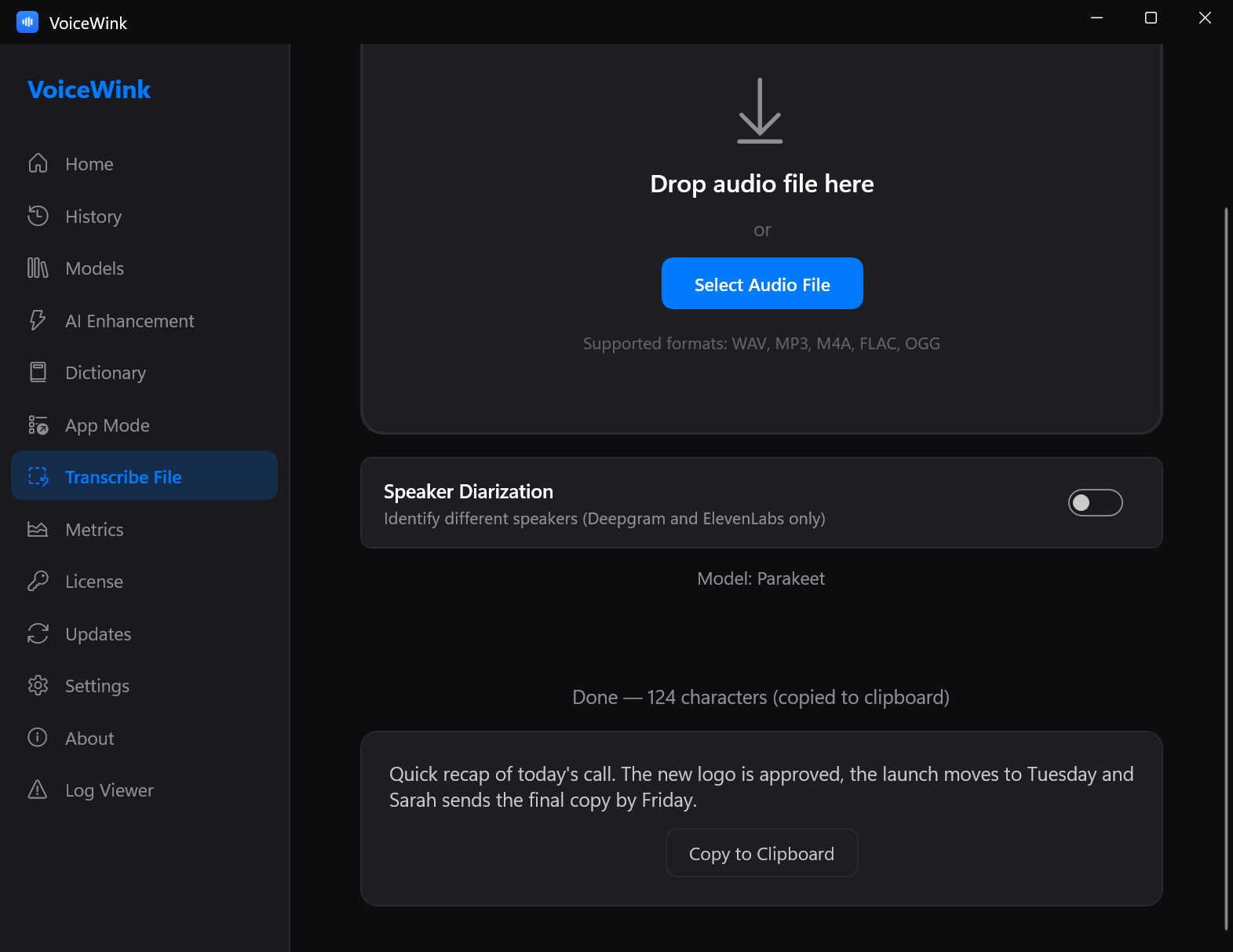
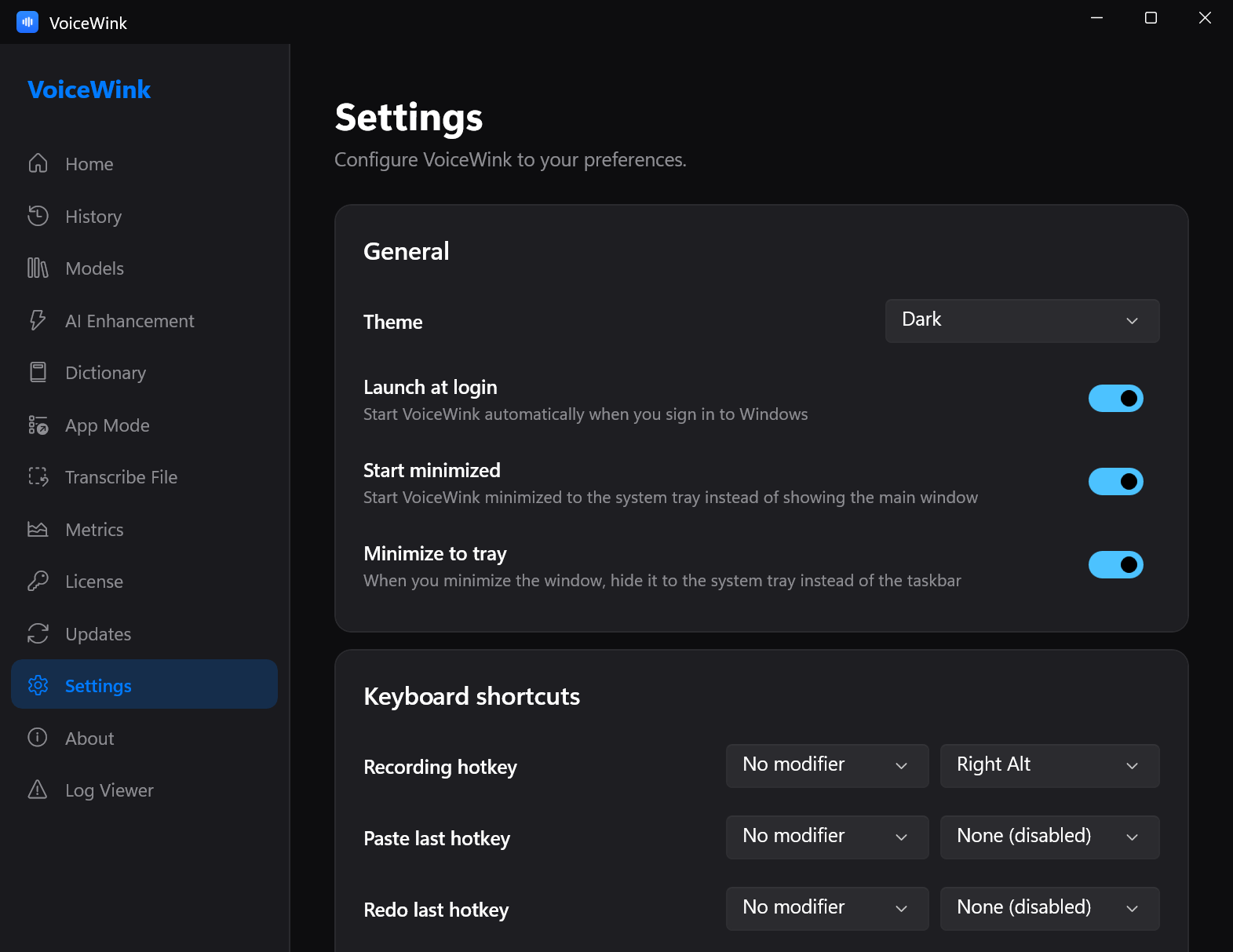
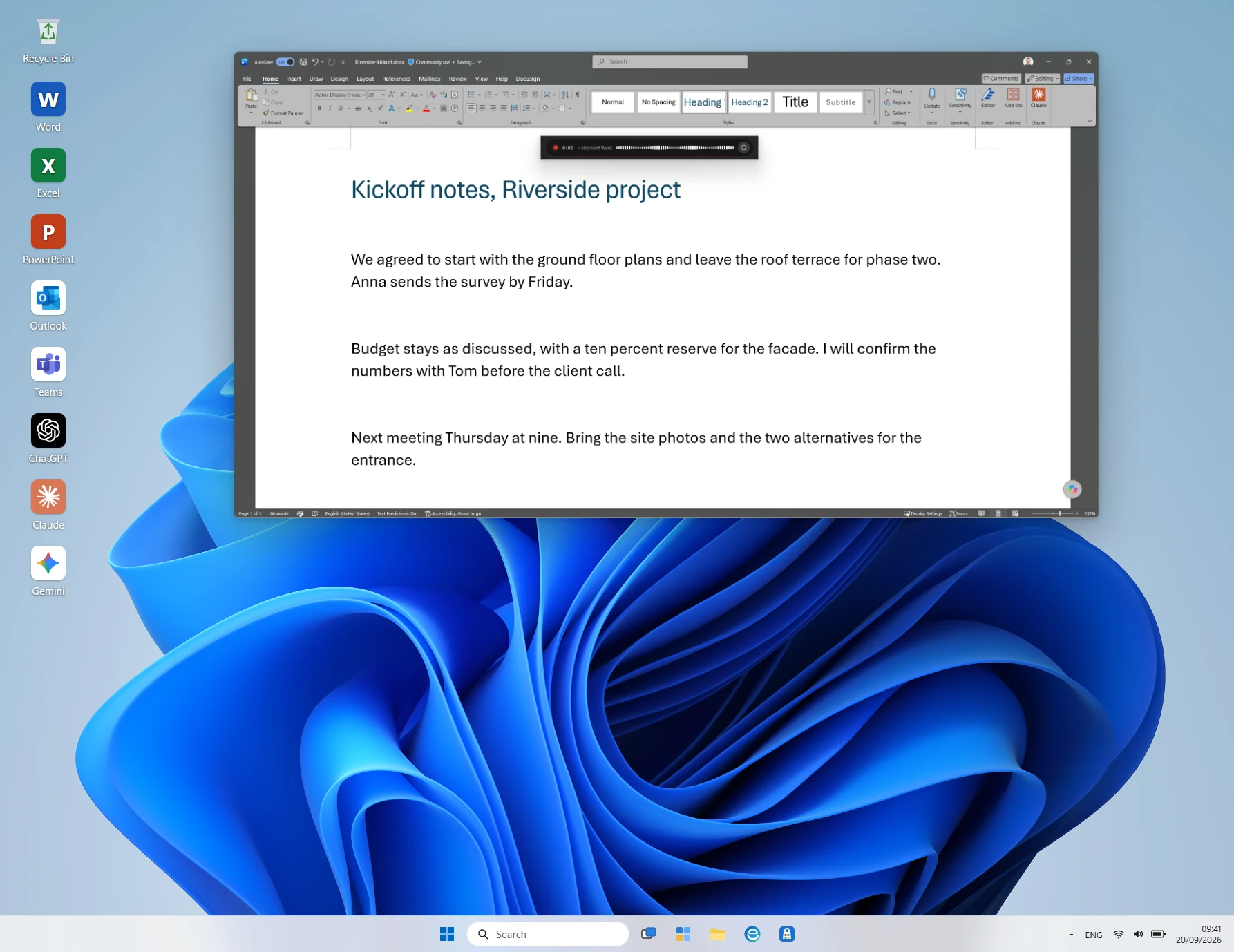
Press & facts
What VoiceWink is
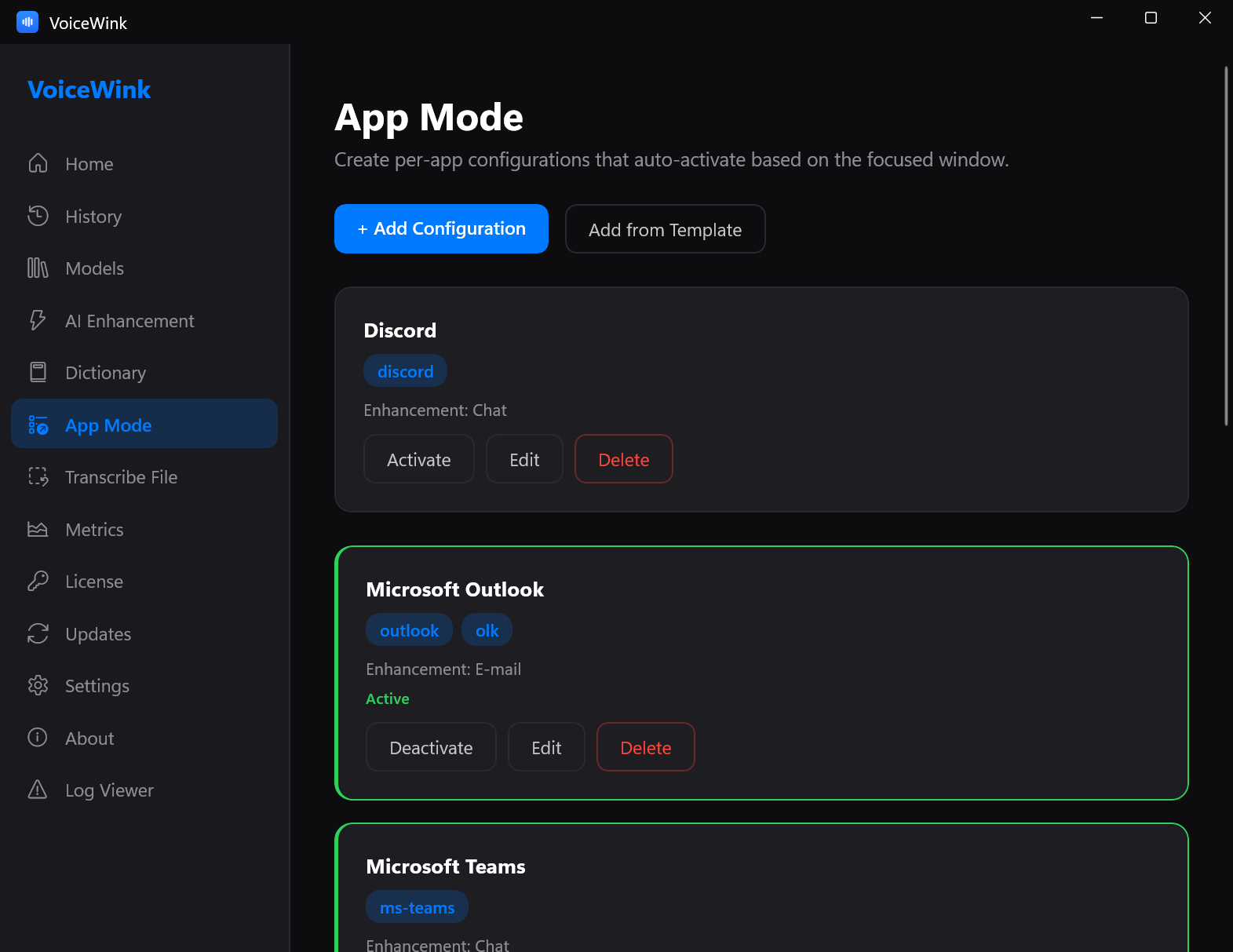
VoiceWink is voice-to-text for Windows 11. Type at the speed of speech. Press a hotkey and talk. The text lands where your cursor is, in any app. With App Mode, AI enhancement rewrites what you said for the app you are in: an email in Outlook, or a clean prompt for a coding agent such as Claude Code. Say “generate an image” and you get a picture instead.
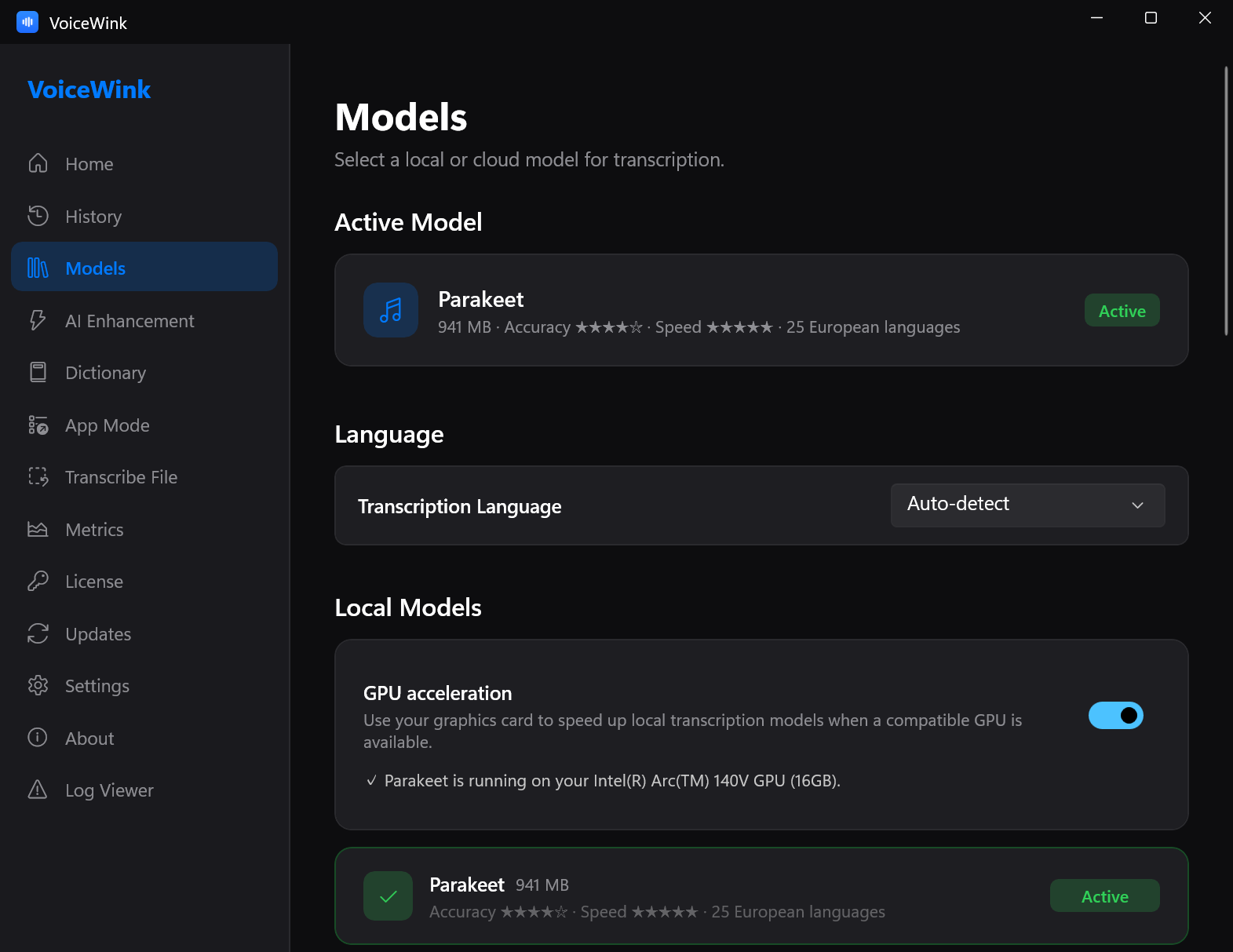
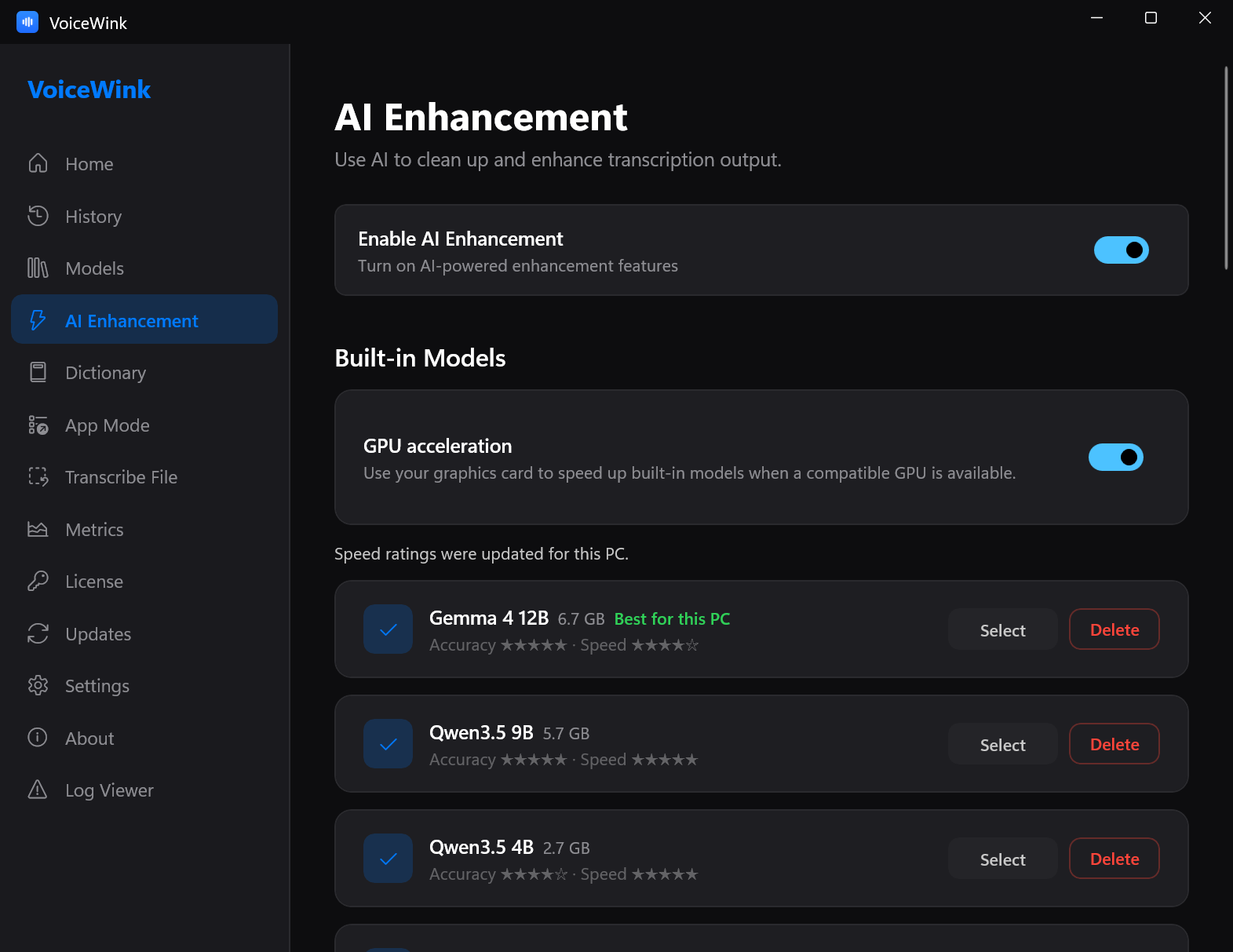
Speech-to-text runs on the user’s own PC by default (NVIDIA Parakeet or Whisper, on the graphics card or the CPU). AI enhancement runs on the user’s PC too, with built-in AI models. It can also use the user’s own AI server, such as Ollama or LM Studio, or a cloud provider with the user’s own key. Voice-to-image uses the user’s own API key, at the provider’s prices. VoiceWink runs no cloud transcription service, and there is no VoiceWink account.
Facts sheet
| Product | VoiceWink: voice-to-text for Windows 11 with per-app AI enhancement |
|---|---|
| Platform | Windows 11 (x64 & arm64). Per-user install, no admin rights; the installer is signed by DV Studio through Microsoft Trusted Signing and keeps itself up to date. |
| Price | One-time: $25 (1 PC) · $39 (2 PCs) · $49 (3 PCs). Prices in USD, VAT included, billed in USD at checkout; for euro customers approx. €22 / €34 / €42, depending on your bank’s exchange rate. No subscription. Updates are free when released. |
| Try before buying | 7-day full-featured trial that starts inside the app: no key, no email, no card. 30-day money-back guarantee after purchase. |
| Built-in speech models | NVIDIA Parakeet (25 European languages) and Whisper (100 languages); GPU acceleration through Vulkan when a graphics card is available, CPU otherwise. |
| Built-in AI enhancement | Rewrites the dictated text on the user’s PC with built-in AI models, downloaded once in the app. It can also use the user’s own AI server, such as Ollama or LM Studio. |
| Optional cloud, bring your own key | Transcription: OpenAI, Groq, Deepgram, ElevenLabs. AI enhancement: Anthropic, OpenAI, Gemini, Groq, Mistral, OpenRouter, Cerebras. Voice-to-image: OpenAI, Gemini, OpenRouter. Keys are stored encrypted on the user’s PC and go only to the provider the user chose. |
| Privacy | On the user’s PC by default. Nothing leaves the machine unless the user turns on a cloud feature or their own AI server, apart from the license check, the update check, a few one-time counts (for example when an installation or a free trial starts), and the download of a chosen speech or AI model. Crash reporting is opt-in. Full policy: privacy. |
| Source code | GPL v3: github.com/dvstudio-app/VoiceWink. The paid license buys the signed Windows build, with updates free when released; self-compiling is free. |
| Origin | A Windows app inspired by VoiceInk (macOS, also GPL v3), built in .NET and WinUI 3. |
| Publisher | DV Studio (Dieter Verlaeckt), Belgium. support@dvstudio.app |
| Links | voicewink.appchangeloginstall & reinstallAPI key setupspeech to text and AI on your PCcompared with Wispr Flowcompared with Windows voice typingcompared with Superwhispercompared with Dragon Professionaldictation apps for Windows, compared |
| Listed on |  |
Boilerplate
VoiceWink is voice-to-text for Windows 11: press a hotkey, talk, and the text lands where your cursor is. With App Mode, AI enhancement rewrites what you said for the app you are in: an email in Outlook, a clean prompt for a coding agent. Say “generate an image” and you get a picture. Speech recognition and AI enhancement run on the user’s own PC by default, with built-in models; the optional cloud features use the user’s own API keys at the provider’s prices. VoiceWink is sold once, from $25, with a 7-day trial and a 30-day money-back guarantee, and its full source is published under GPL v3. It is built by DV Studio, a one-person software studio in Belgium.
Who builds it
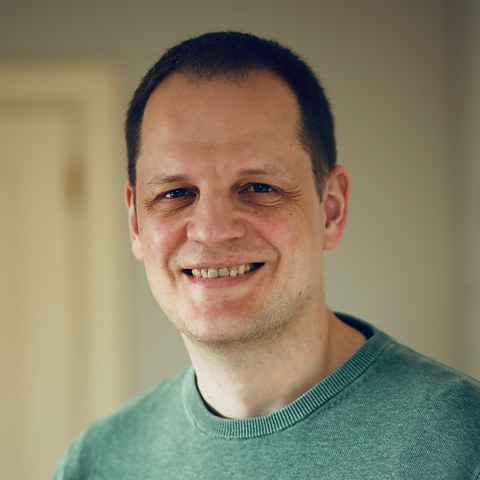
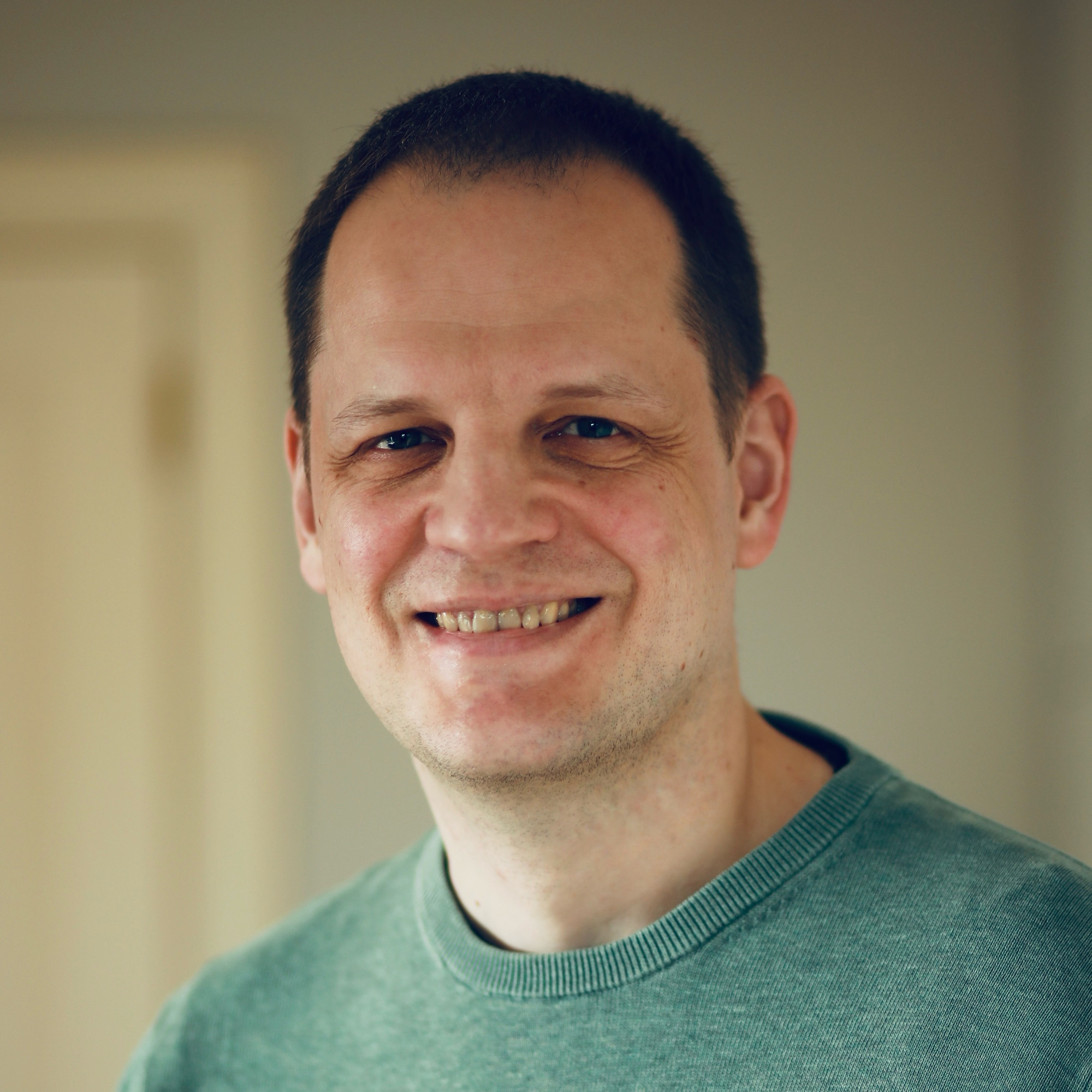
I’m Dieter Verlaeckt, a solo developer in Belgium, and I build VoiceWink for my own daily use: dictating to coding agents all day, I wanted VoiceInk on Windows, found nothing like it, and built it. DV Studio is my trade name. No funding, no team.
Assets
Use freely in coverage; please do not alter the logo.
- Logo: 160 px PNG · 64 px PNG
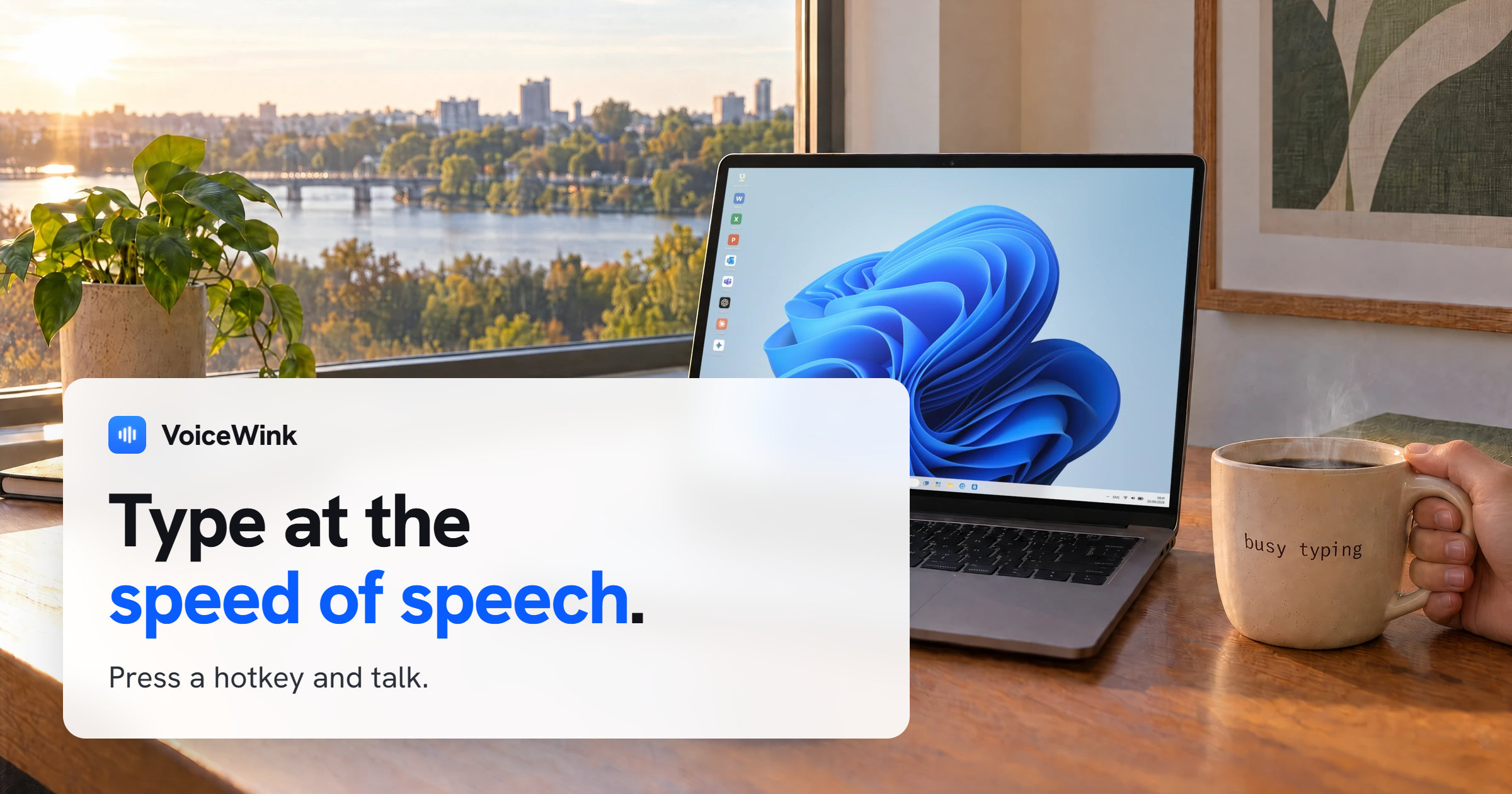
- Social card: 2400 × 1260 JPEG
- Founder photo (Dieter Verlaeckt, 2026): 2000 × 2000 JPG · 480 px JPG. Credit: “DV Studio”
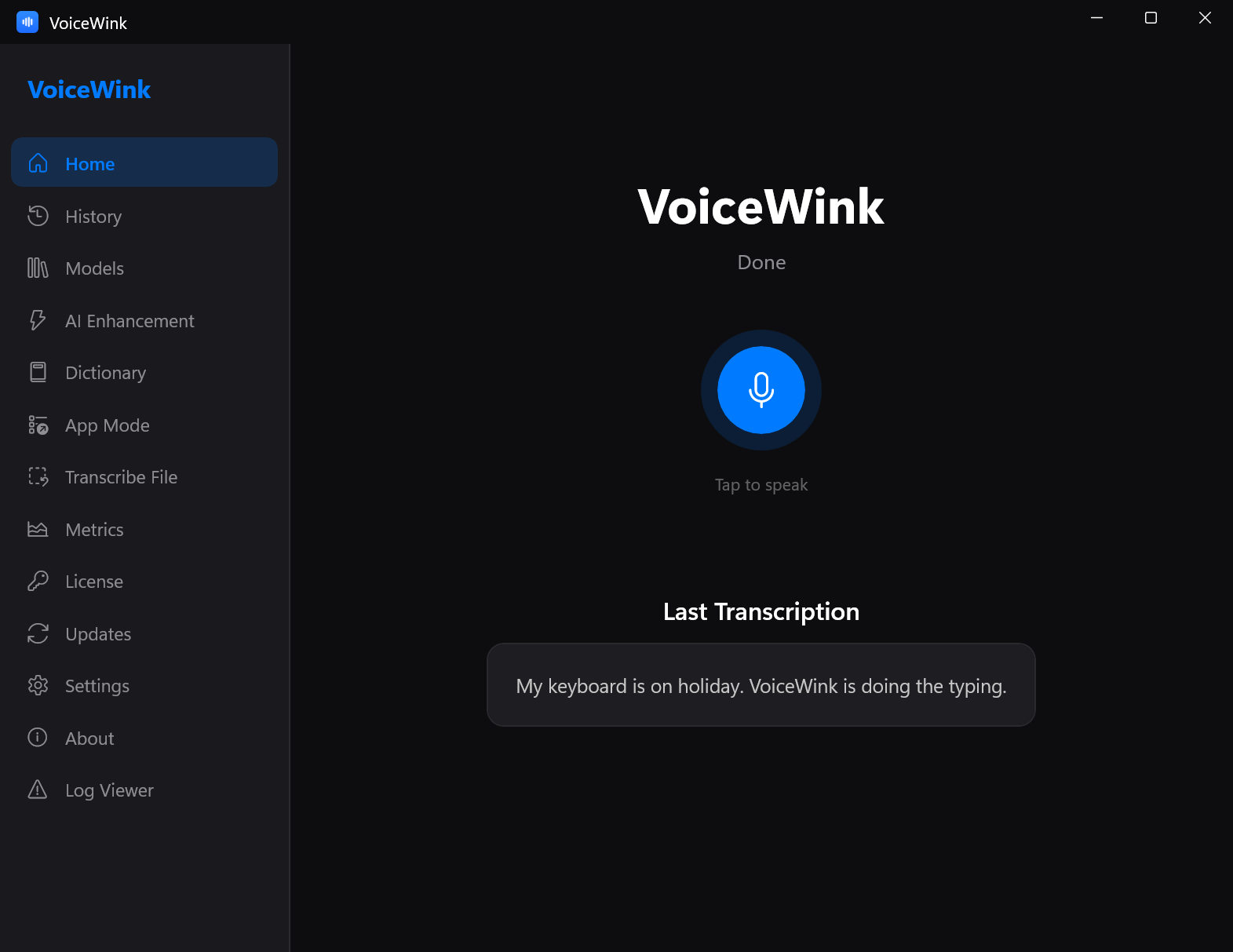
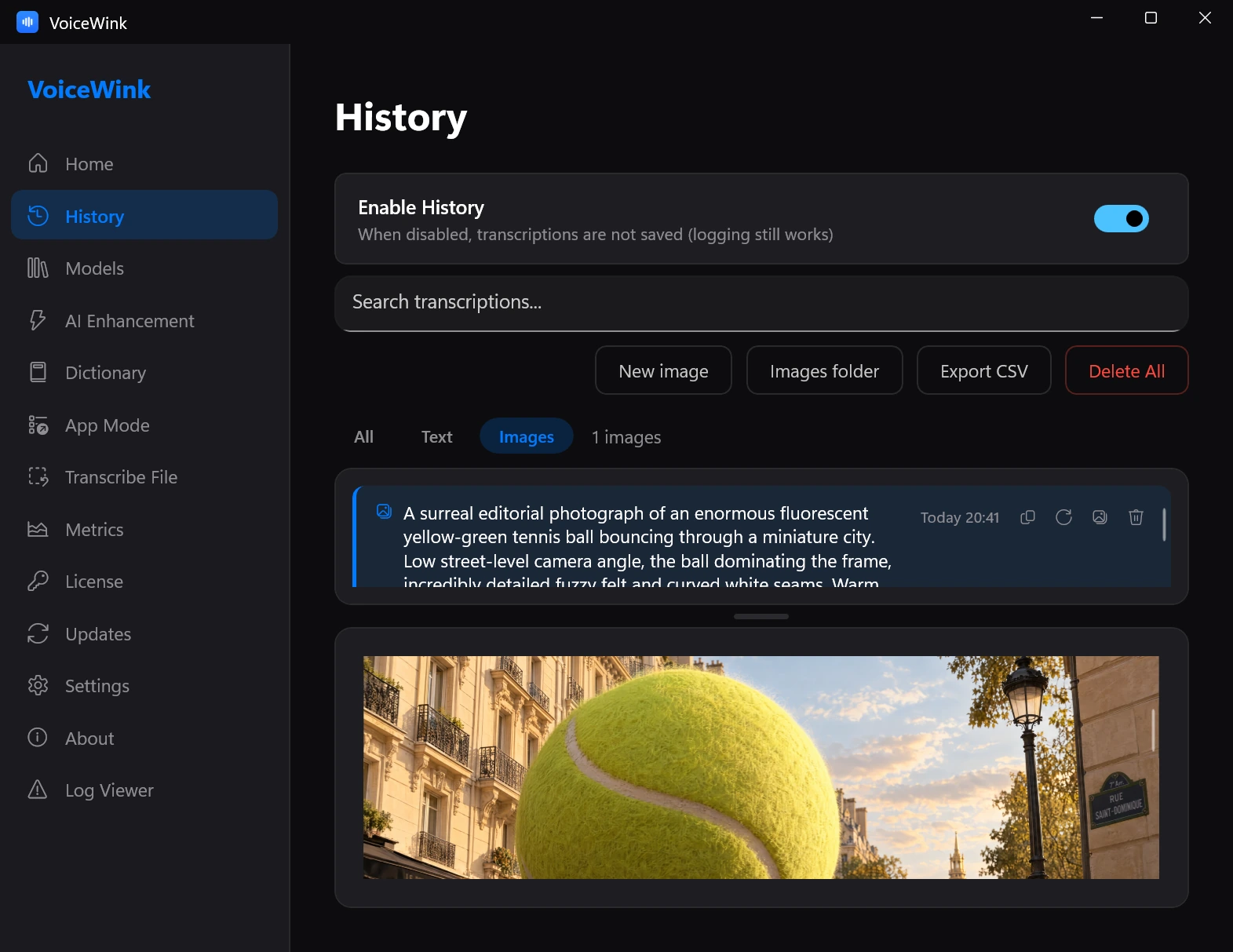
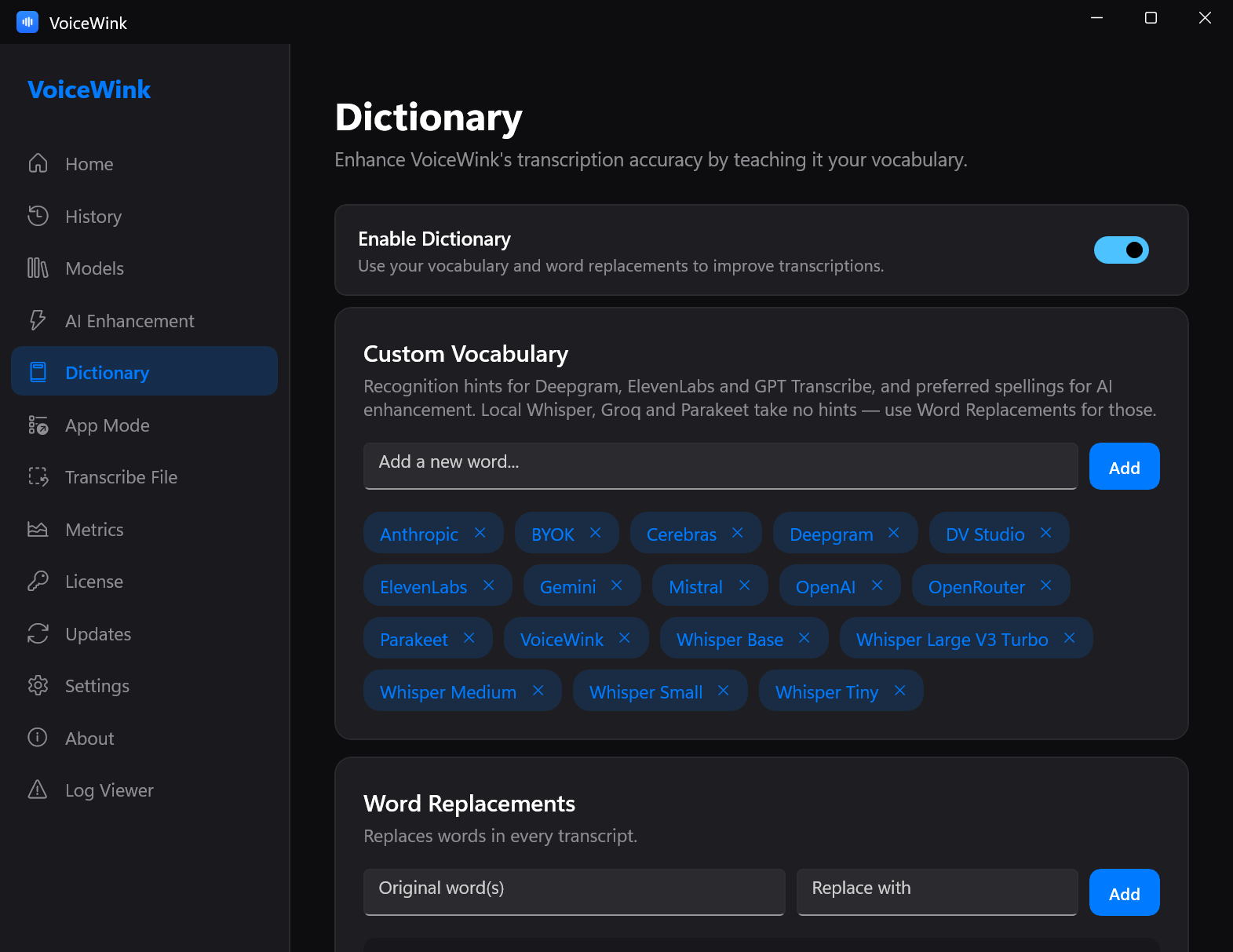
- Screenshots (dark theme, current build): Home · History · Models · AI Enhancement · Dictionary · App Mode · Transcribe File · Settings
- Illustration: Mini recorder in Word